Make a listing in 7 minutes,
not 30.
Type in what came in on trade and add your photos. MusicShopHelp writes the title, the description, and the spec sheet. You read it over, change anything you want, and publish it to MusicShop360.
Nothing to install · you approve every listing · then it goes to MusicShop360
Title
Written for youFender California Series Acoustic-Electric, Natural Gloss, Good Condition
Description
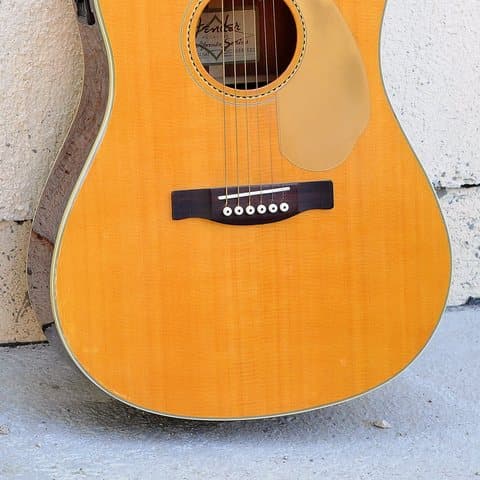
Written for youA California Series dreadnought with the single cutaway and Stratocaster-style headstock this model is known for. The natural gloss top has light scratches from playing and one small ding on the lower bout, none of them through the finish. The rosewood fingerboard has even wear, the neck is straight, and the onboard preamp powers up and works across all its controls.
Spec sheet
Written for you- Body
- Dreadnought, single cutaway
- Top
- Natural gloss
- Fingerboard
- Rosewood, dot markers
- Electronics
- Onboard preamp
- Headstock
- Stratocaster style
Photos you added
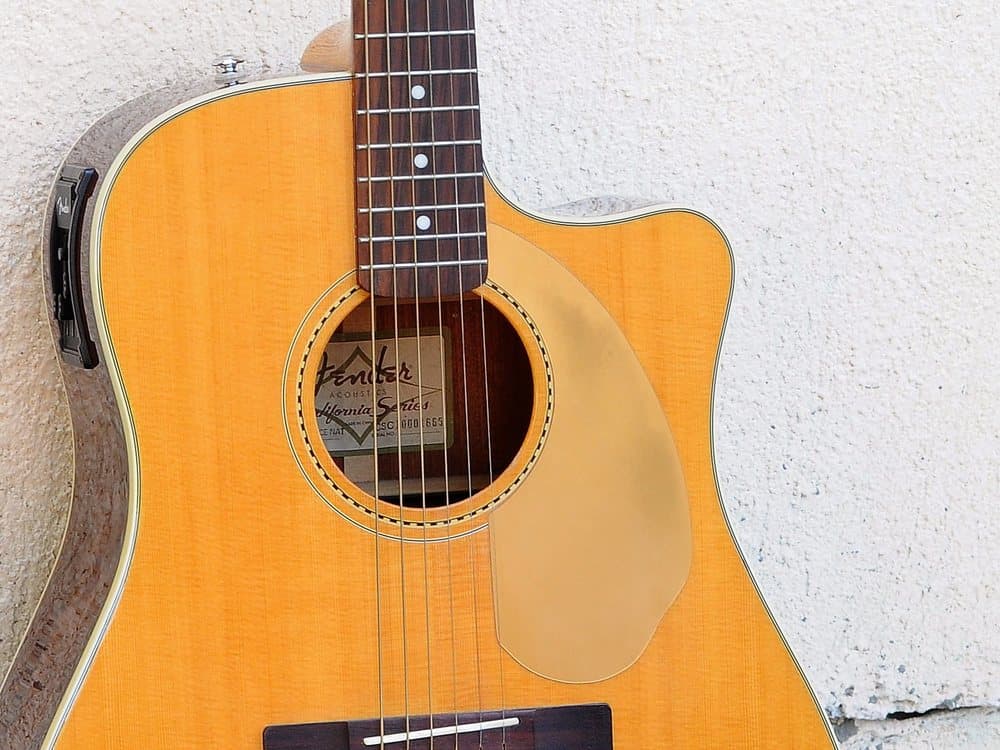
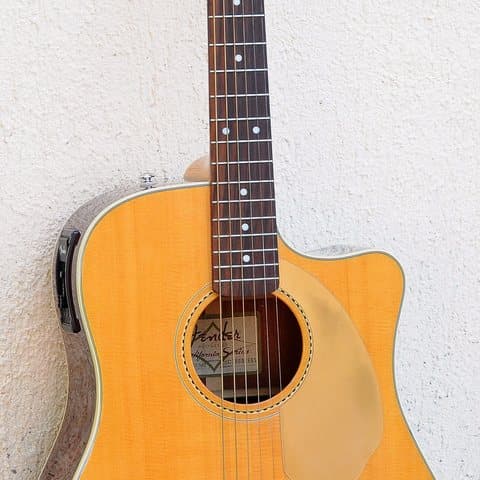
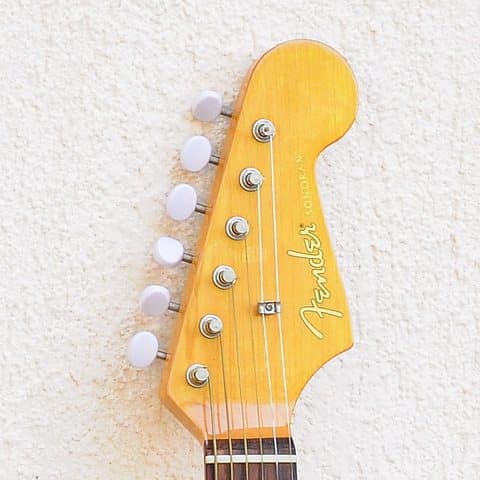
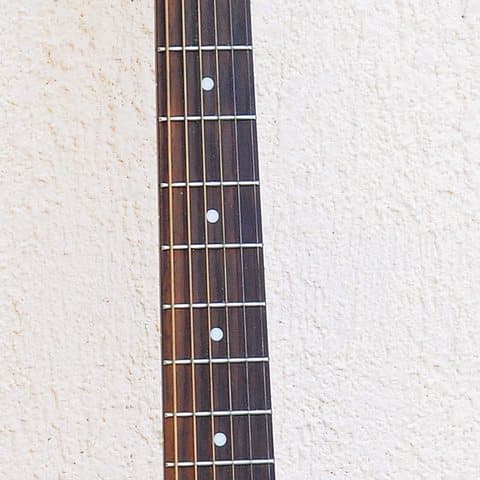
Condition
Good
Price
$429
This is the screen where you check the listing before it goes out. You typed the condition and the price and added the photos. Everything marked Written for you is what MusicShopHelp filled in. Nothing reaches your store until you press Publish.
Connecting it
It works with the MusicShop360 you already have.
There is nothing to install, nothing to migrate, and nothing to move. Your store stays exactly where it is and keeps working the way it does today.
Add a login for it in MusicShop360
The same way you would add one for a new member of staff. It is a separate login that belongs to you, so you decide what it can do and you can remove it whenever you like.
Enter that login once
Give MusicShopHelp your store address, that username, and that password. It finds your store, then asks you to confirm which location your listings should publish to.
Start listing
That is the whole setup. Most shops are finished with it in a few minutes and never think about it again.
- Do I have to install anything?
- No. MusicShopHelp runs in a web browser, on the counter computer or on a phone. Nothing is installed and nothing about your MusicShop360 store is changed to make it work.
- Can I try it before I connect my store?
- Yes. You can write and save listings without connecting anything at all. Connect when you are ready to publish one, and not before.
- Does it touch what is already in my store?
- Only when you press Publish, and only to add the listing you just read. Everything up to that point is a draft that lives in MusicShopHelp.
- Is this an official MusicShop360 product?
- No, and we would rather say so plainly. MusicShopHelp is independent. It is not built, endorsed, or certified by MusicShop360 or Quilt Software.
More detail on all of this, including what happens if MusicShop360 changes something on their end, is on the questions page.
Where the time goes
A used guitar comes in on trade. Here is the half hour.
Doing it by hand
About 30 minutes
- 0:00Look up the model online to confirm the specs and the original price
- 0:06Write a description from scratch, or paste an old one and edit it
- 0:14Log into MusicShop360 and find the right department and category
- 0:18Type the title, the description, and every spec field by hand
- 0:24Upload the photos one at a time
- 0:28Proofread it, fix the typos, publish
- 0:30Notice you missed a field and go back in
With MusicShopHelp
About 7 minutes of yours
- 0:00Type in the brand, the model, the condition, and a price
- 0:01Drag in your photos
- 0:04Read what it wrote and change anything that is not right
- 0:07Press Publish. It is live in MusicShop360
The writing happens between 0:01 and 0:04, while you are taking photos or getting on with the next item. It is not time you spend.
How it works
Three steps, and only two of them are yours.
Tell it what came in
The brand, the model, the condition, a price, and a few photos. It asks different questions for different instruments: fret wear on a guitar, pad condition on a clarinet.
It writes while you work
The title, the description, and the spec sheet get written in the background from what you told it. You do not sit and wait for it to finish.
Read it, then publish
It all arrives on one screen, already filled in. Change whatever you want. When you press Publish, and not before, it goes to MusicShop360.
Your numbers
What is that worth to your shop?
Move the sliders to match your shop. We work out the time you get back, what that time costs you today, and which plan is cheapest at that volume.
We assume a listing still takes 7 minutes of your attention with MusicShopHelp, the same seven minutes the timeline above walks through. Everything else is your numbers.
What you get back each month
17
hours of staff time
$431
that time costs you
- Solo plan25 included, 20 extra at $1.25
- −$54
- You keep
- $377
That is 8.0× your money back every month, on the plan that costs you least at this volume.
Pricing
Simple pricing. No per-person fees.
Every plan includes every feature and as many staff logins as you need. The only thing that changes between them is how many listings are included each month.
Solo
A one- or two-person shop, listing in the gaps between customers.
$29/month
or $290/year, two months free
- Listings included
- 25 / month
- After that
- $1.25 each
Shop
A steady flow of trade-ins and new stock, with one or two people listing. Where most independents land.
$69/month
or $690/year, two months free
- Listings included
- 90 / month
- After that
- $0.90 each
Multi-Store
Several locations, or one shop moving a lot of used gear. Lowest overage rate.
$179/month
or $1,790/year, two months free
- Listings included
- 300 / month
- After that
- $0.60 each
Go over your included listings and you are never blocked. The extras are billed at your plan's per-listing rate. Full pricing details and questions.
Try it on your next ten listings.
14 days free, up to 10 listings. Pick a plan to start — you are not charged until day 14, and cancelling before then costs you nothing.
- Every feature on every plan
- As many staff logins as you need
- Cancel anytime and export your listings